Multi-factor authentication (MFA) requires users to prove their identity through multiple verification methods before accessing accounts or systems. It combines something you know (like a password), something you have (like a phone), and something you are (like fingerprints). When logging in, users enter their password and then complete additional verification steps, such as entering a texted code or approving a push notification. This layered security approach considerably reduces the risk of unauthorized access, even if passwords become compromised. Understanding the full scope of MFA reveals why it’s becoming an essential defense against modern cyber threats.
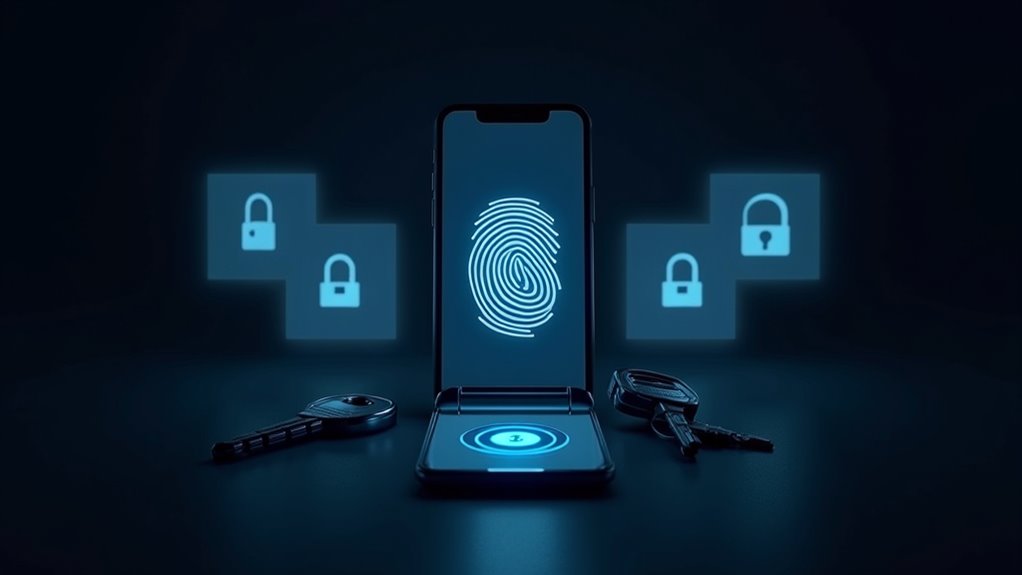
Security breaches in the digital age have become increasingly sophisticated, making traditional password protection about as effective as a paper lock on a bank vault. This is where Multi-Factor Authentication (MFA) steps in as an essential defense mechanism, requiring users to prove their identity through multiple verification methods before gaining access to their accounts or sensitive information.
MFA operates on a simple yet powerful principle: combining two or more distinct types of authentication factors. These factors fall into three main categories: something you know (like a password or PIN), something you have (such as a mobile phone or security token), and something you are (biometric data like fingerprints or facial features). By requiring multiple proofs of identity, MFA creates a layered security approach that greatly reduces the risk of unauthorized access. In addition, implementing network segmentation can further enhance security by limiting access to sensitive information. Regularly practicing good password hygiene is also crucial in reinforcing the effectiveness of MFA. Moreover, having a robust cyber security strategy is essential for both individuals and businesses to address emerging threats. The growing demand for effective security measures has led to the rise of microsoft cybersecurity certification programs that validate professionals’ skills in implementing MFA.
The authentication process typically begins when a user creates an account and links additional verification methods beyond their password. For instance, they might register their smartphone to receive one-time codes or download an authenticator app. During subsequent login attempts, users must provide their password and respond with the additional verification factor – perhaps entering a code texted to their phone or approving a push notification on their mobile device.

One of MFA’s greatest strengths lies in its ability to thwart common cyberattacks. Even if a hacker manages to steal or guess a password through phishing or brute-force attempts, they still can’t access the account without the secondary authentication factor. This extra layer of security has proven so effective that many organizations now require MFA as part of their security policies and compliance requirements.
Multi-factor authentication adds an essential security barrier, preventing account breaches even when passwords are compromised through malicious attacks.
Modern MFA implementations offer various methods to suit different security needs and user preferences. These range from SMS-based codes and authenticator apps to hardware security keys and biometric scanners. Some systems even utilize adaptive authentication, which adjusts security requirements based on factors like login location, device recognition, and user behavior patterns.
While MFA greatly enhances security, it’s not without its challenges. The additional authentication steps can sometimes create friction in the user experience, and factors like lost devices or forgotten backup codes can temporarily lock users out of their accounts. However, these minor inconveniences pale in comparison to the potential devastation of a compromised account.
As cyber threats continue to evolve, MFA remains one of the most effective tools for protecting digital assets. It’s no longer a question of whether organizations should implement MFA, but rather which implementation best suits their specific needs. For individuals and businesses alike, enabling MFA wherever possible has become as fundamental to digital security as locking the front door is to physical security. Additionally, implementing cost-effective strategies can further strengthen your cybersecurity posture while managing budget constraints.
Frequently Asked Questions
Can Multi-Factor Authentication Be Bypassed or Hacked?
Yes, multi-factor authentication can be bypassed through various techniques, although it’s markedly more difficult than breaching single-factor authentication.
Common bypass methods include social engineering attacks, MFA fatigue (overwhelming users with authentication requests), and man-in-the-middle attacks.

However, successful breaches typically require considerable effort and often exploit human vulnerabilities rather than technical ones.
Regular updates, user education, and proper implementation markedly reduce these risks.
What Happens if I Lose My Authentication Device?
Losing an authentication device can temporarily lock users out of their accounts. However, several recovery options exist.
Users can utilize pre-generated backup codes, contact support teams for identity verification, or rely on alternative enrolled MFA methods like SMS or email.

To minimize disruption, it’s essential to set up multiple authentication factors and store backup codes securely.
Organizations typically have established protocols to help users regain access while maintaining security standards.
Does MFA Slow Down My Login Process Significantly?
MFA adds minimal delay to login times, typically between 0.13 to 3.3 seconds according to studies by Microsoft Azure AD and Duo Security.
This slight increase is negligible compared to the robust security benefits provided.

Modern MFA methods like biometrics and push notifications have streamlined the process even further.
Organizations report that users quickly adapt to the brief additional step, and the enhanced protection far outweighs any minor inconvenience in login time.
Which Authentication Method Is the Most Secure for MFA?
Hardware security keys are definitively the most secure MFA method available.
Based on Google’s research, these physical tokens blocked 100% of phishing attempts – markedly outperforming other methods.

While authenticator apps and biometrics provide good security, they’re still vulnerable to sophisticated attacks.
Hardware keys using FIDO2 and WebAuthn standards can’t be intercepted online or deceived by phishing schemes, making them the gold standard for MFA security despite the minor inconvenience of carrying a physical device.
Can I Use Multi-Factor Authentication Without a Smartphone?
Yes, MFA can be used without a smartphone through several secure alternatives.
Users can opt for USB security tokens, landline phone calls, or basic cell phone SMS verification. Hardware keys like YubiKeys provide robust protection, while backup codes offer a reliable fallback option.

Many platforms, including Microsoft and Google, support non-smartphone authentication methods through phone calls or text messages. These alternatives guarantee strong security while maintaining accessibility for users without smartphones.